Move your avatar
Walk around the room with your keyboard or mouse and find people to talk to.
Last updated:
How do I move my avatar in flat.social?
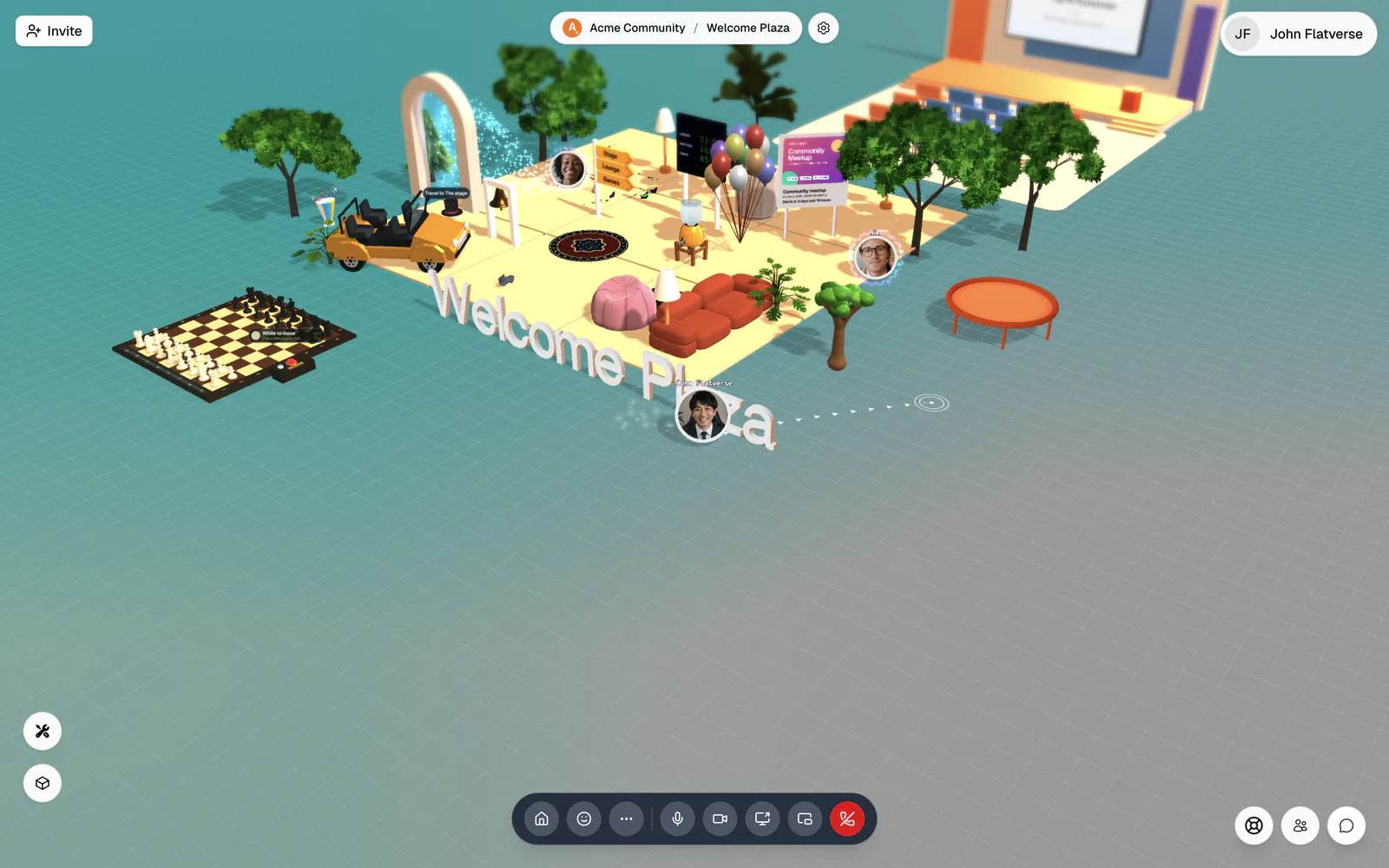
Use the W A S D keys or the arrow keys, or just click the floor where you want to go. Press Space to jump. Walk toward a group and their voices get louder; walk away and they fade. The first time you enter a room, a short How to move around card shows the basics.
With the keyboard
- W or ↑ moves forward
- S or ↓ moves back
- A or ← moves left
- D or → moves right
- Space jumps
Hold two keys at once to move diagonally. There is no run key; everyone walks at the same speed. On keyboards like AZERTY, the arrow keys are the easiest option.
With the mouse
- Click the floor to walk there. A marker and a path line show where you're headed, and your avatar steers around obstacles. If it gets stuck, it hops straight to the spot.
- Press and drag anywhere to steer toward the cursor, like a joystick. Let go to stop.
Pressing a movement key takes over immediately. Mouse walking is off in First Person view, while you follow someone, and during some games.
How do I get back to the start?
Click the house button at the far left of the call bar (Teleport home). It puts you back on a spawn point. It's the fix when you get stuck behind furniture or wander off into an empty corner. If you're in a car or helicopter, the whole vehicle comes with you.
You can also run Teleport home (unstuck) from Quick Access (⌘/Ctrl+K), or on a phone tap More → Teleport home.
Get to someone fast
Open Quick Access (⌘/Ctrl+K) and choose Go to a person to appear right beside them, or Invite someone to join me to ask them to come to you. You can also click someone's avatar and choose Follow to walk with them. See See who's around.
While your cursor is in a text box, like the chat panel, movement keys type letters instead of moving you. Movement also pauses while Quick Access, a full-screen activity, or a full-screen screen share is open. Click back onto the room to move again.