System requirements
What you need to use flat.social. Spoiler: a browser, a mic, and internet.
Last updated:
What are the system requirements for flat.social?
You need a recent web browser (Chrome, Edge, Firefox, or Safari) on a computer, phone, or tablet, a microphone to talk, and a stable internet connection. Open Spatial rooms also need 3D graphics (WebGL) with hardware acceleration turned on. A camera is optional, and there is nothing to download or install.
What you need
- A recent browser: the latest Chrome, Edge, Firefox, or Safari. See Supported browsers.
- A microphone: to talk. Without one you can still join and listen.
- A camera: optional.
- A stable internet connection: steady beats fast. Wi-Fi or wired both work.
- 3D graphics (WebGL): Open Spatial rooms draw a real-time 3D scene, so keep your browser's hardware acceleration on.
- A computer, phone, or tablet: everything works on a computer. Phones get a touch-friendly layout, but a few features (screen sharing, build mode, First Person view, pop-out call) need a computer. See Phones and tablets.
There is nothing to install. You just open a link and go.
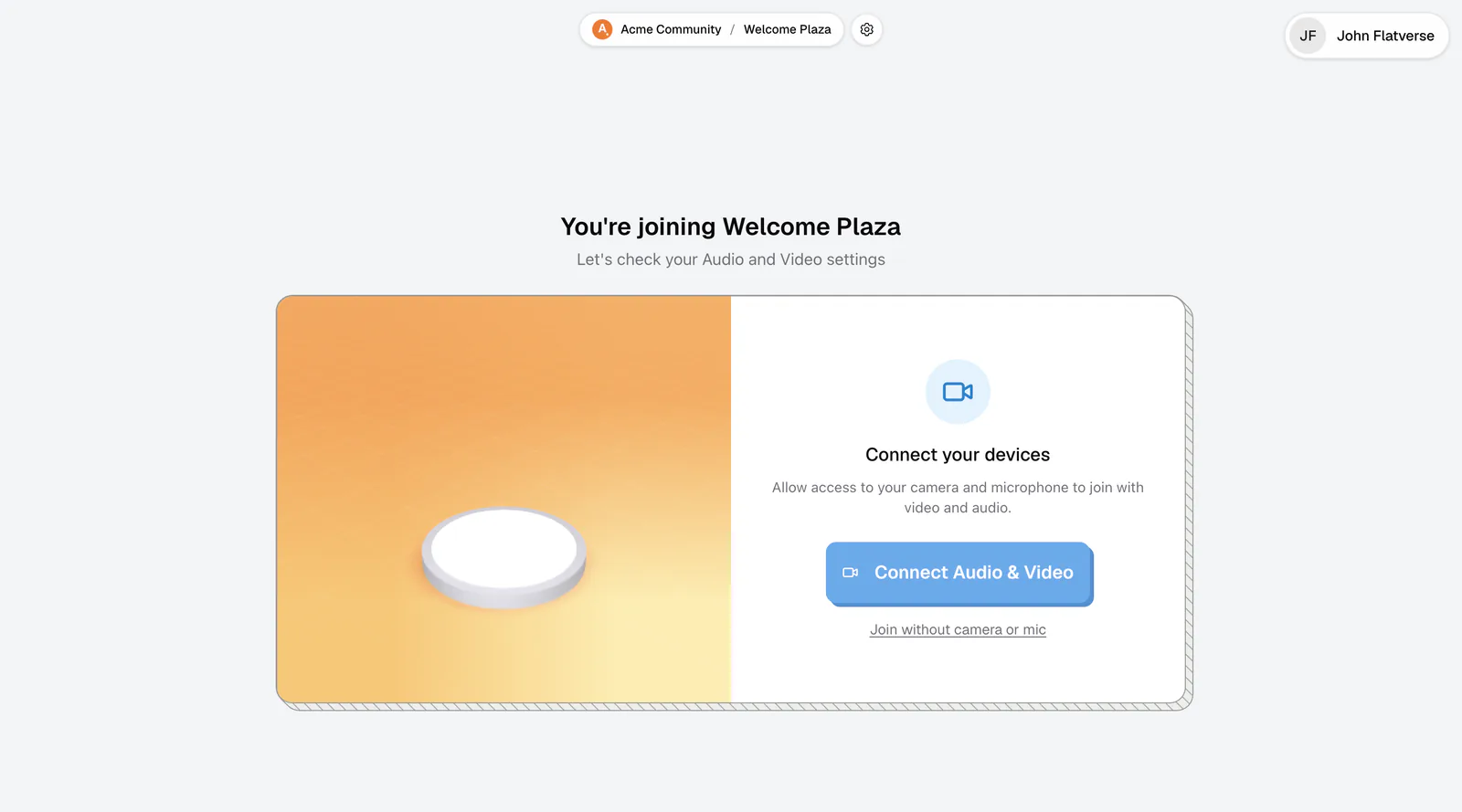
When you click Connect Audio & Video, your browser asks for permission to use your microphone and camera. Allow it, or people won't hear you. If you blocked it by accident, see Camera or mic not working.
Older or slower computers
Open Spatial rooms adjust to your hardware. flat.social picks a graphics level for your device automatically, and if a room runs slowly it offers to switch to a lighter one. On very old or shared computers, choose Low performance in Settings → Graphics. See Graphics and performance.
If your browser can't start 3D graphics at all (common on virtual machines and remote desktops), you'll see "3D isn't available on this device". Try Chrome or Edge on a regular computer, or check that hardware acceleration is on.
How flat.social works in your browser
flat.social uses standard web technology that is built into modern browsers: WebRTC for live audio and video, the Web Audio API to adjust each voice by distance, and WebGL to draw the 3D rooms. That is why a recent browser matters, and why nothing needs installing.