Sit, ride, drive, and fly
Take a seat, hop in a car, or pilot the helicopter, then get back out.
Last updated:
How do I sit down or get in?
Walk up to a seat or vehicle and a prompt appears under your avatar, such as "Press Enter to sit down" or "Press Enter to drive". Press Enter or click the prompt. On a phone, tap it.
There's no "sit anywhere" action, and clicking the seat itself does nothing. If no prompt appears when you walk up to a chair, it's decoration. Everyone in the room can use seats and vehicles, guests included.
Seats
| Seat | Prompt | Getting up and extras |
|---|---|---|
| Chair, Sofa | "Press Enter to sit down" | Press Enter, or just walk away. |
| Bean Bag | "Press Enter to flop down" | Press Enter, or just walk away. |
| Office Chair | "Press Enter to sit down" | ← and → spin the chair. ↑ or ↓ (or Enter) stands you up. |
| Hammock (fits 3) | "Press Enter to lie down" | ← and → swing it. Get out with Enter ("Press Enter to climb out"). |
| Ferris Wheel (2 per cabin) | "Press Enter to ride" | The wheel keeps turning. Get off with Enter ("Press Enter to hop off"). |
| Auditorium seats | "Press Enter to take a seat" | See Stages. |
On a sofa, chair, or bean bag, the first step you take stands you up.
Vehicles
Five vehicles can be driven or flown:
- Golf Cart: 4 seats
- VW Beetle: 4 seats
- Custom Car: 4 seats
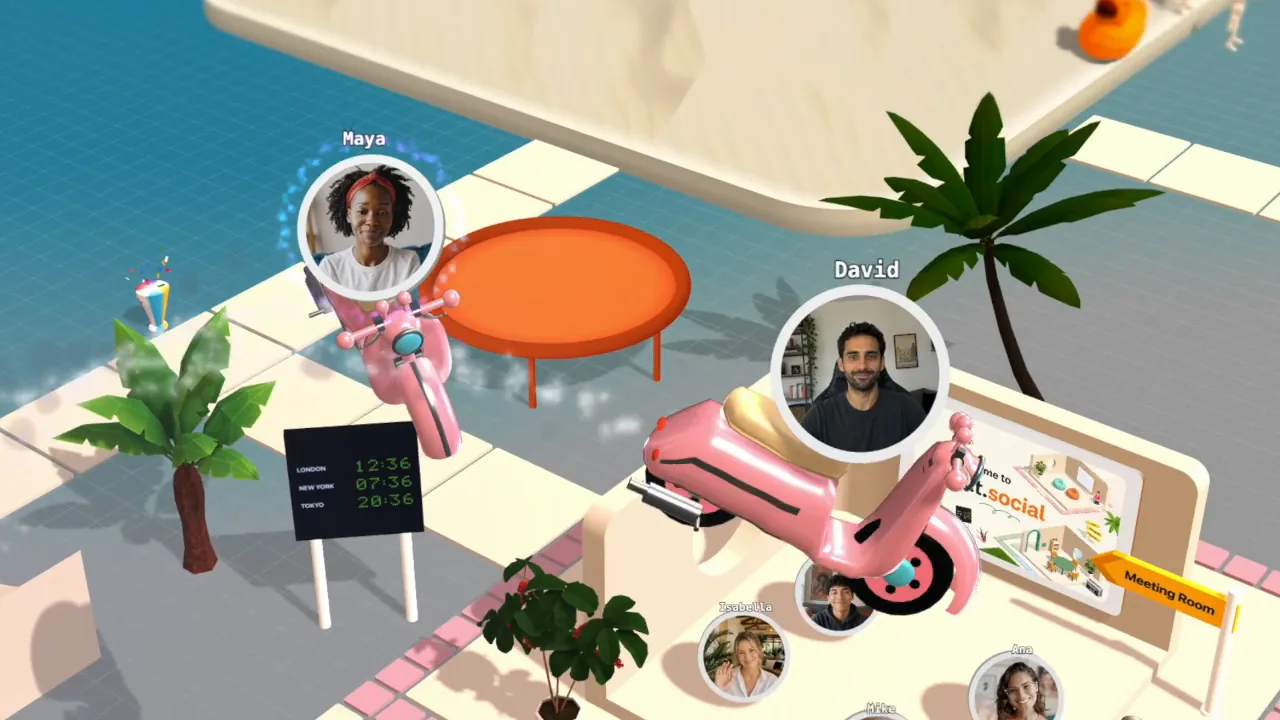
- Pink Scooter: 2 seats, one behind the other
- Helicopter: 4 seats
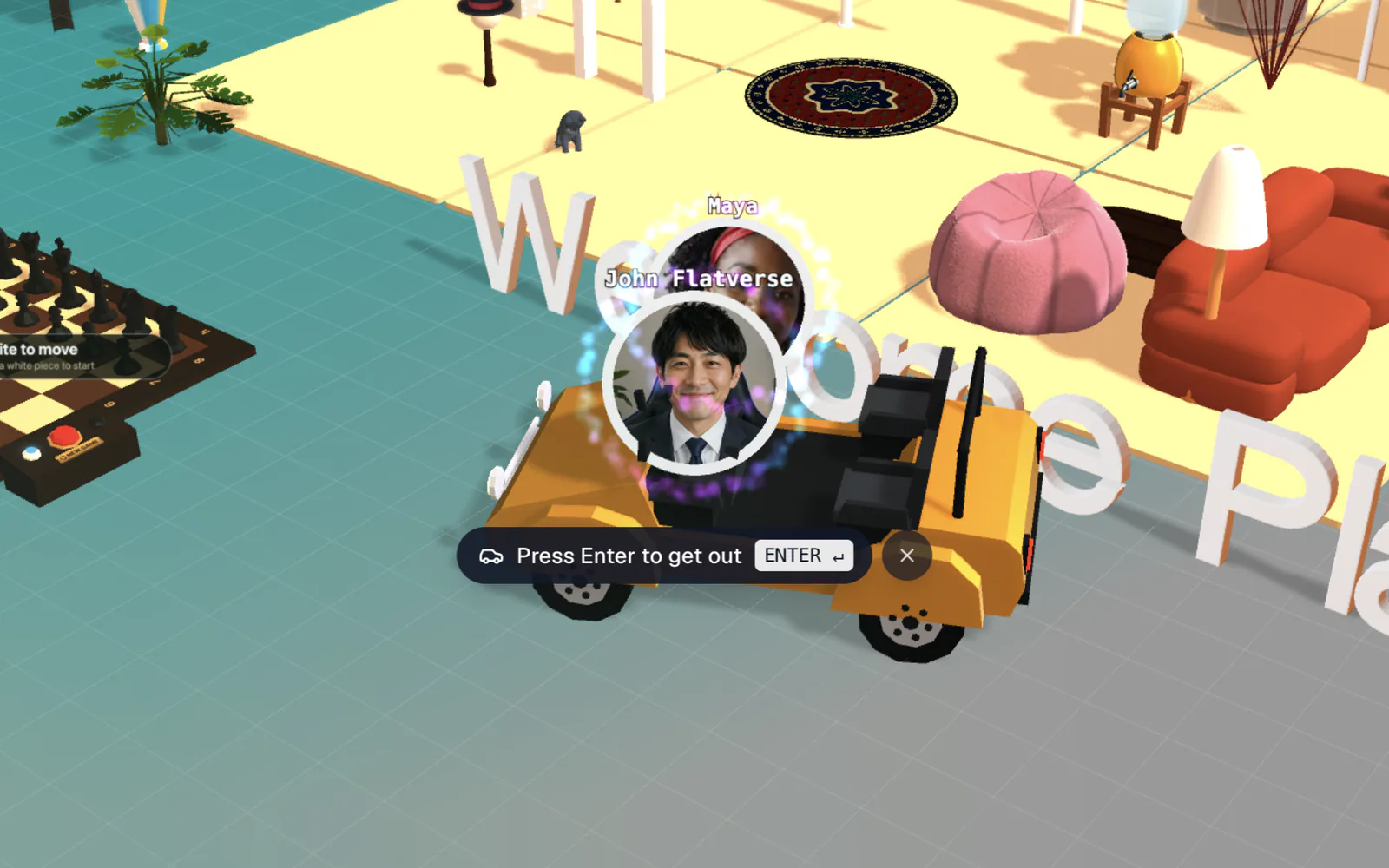
An empty car says "Press Enter to drive" and an empty helicopter "Press Enter to fly". The first person in drives or flies; everyone after them rides along with "Press Enter to hop in". You can't get in while a vehicle is moving fast or lying on its side, and a full vehicle shows no prompt. Your camera keeps following you as usual.
There's one more ride: the UFO. Jump on top of it. Alone, it flies you in circles; with others in the room, it swoops over to lift them with its beam, then lands and drops everyone off.
Drive a car or scooter
The controls follow the vehicle's nose, not the screen: ↑ always drives forward, wherever the car is pointing, and ← always turns the car to its own left.
- Hold ↓ to brake, keep holding to reverse.
- Hold Space to brake while you keep steering.
- Press K to honk. If you honk with a free seat, a robot nearby may hop in.
If a car ends up on its roof, everyone falls out after a moment and it rights itself. Passengers can't steer; they press Enter to get out.
Fly the helicopter
Hold Space to spin up the rotor and climb. Let go and you drop. Use ↑ and ↓ to fly forward and back, and ← and → to turn and bank.
It takes practice. Every bit of tilt costs you height, so a long turn pulls you down unless you keep climbing. Crash hard and the helicopter explodes, throwing everyone clear; it reappears where it started a few seconds later. While you're aboard, the label under the cabin reads "You're in the helicopter [ENTER to jump]". Jumping out in the air is a real fall.
Vehicle controls
Car and scooter (driver)
Helicopter (pilot)
Getting out
- Enter (or the prompt) always gets you out: "Press Enter to get out" in a car, "Press Enter to jump out" in the helicopter, "Press Enter to climb out" of the hammock, and "Press Enter to hop off" the Ferris wheel.
- Teleport home (the house button at the left of the call bar) moves the whole car or helicopter, with everyone aboard, back to the spawn point. From any other seat, you stand up and teleport on your own.
- Following someone takes you out of your seat. See See who's around.
On a phone, dragging steers a car instead of standing you up, so in a vehicle, the hammock, or on the Ferris wheel the pill under your avatar is the only way out. Tap it. Holding Space to brake or to climb in the helicopter needs a keyboard. See Use flat.social on phones and tablets.