Stages for talks and all-hands
Six halls with real seats and a big screen for whoever is presenting.
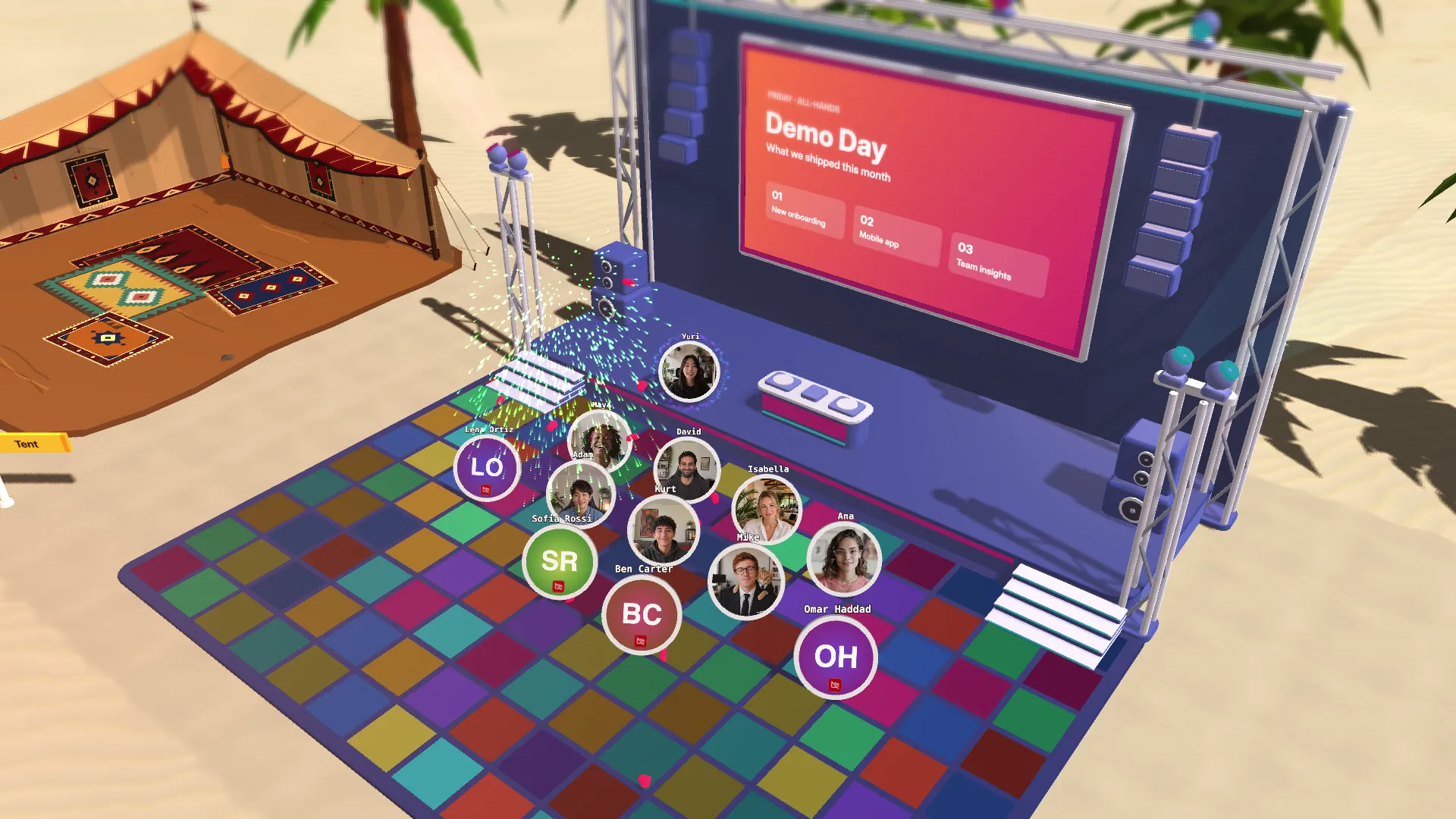
Your all-hands deserves better than a grid of faces. Add a stage to your space and everyone gets a seat in the audience.
There are six halls: a theatre, a cinema, a lecture hall, a festival stage with a raised dance floor, a business stage and a minimal one. Pick how many seats it has and how big the hall is.
Here's how it works:
- Take a seat. Walk up to a seat and press Enter.
- Present. Step on stage and share your screen to the big screen. Everyone in the hall can switch between the stage view, the screen view and full screen.
- Play a video. Paste a YouTube link and it plays on the screen for everyone, in sync. Only people inside the hall hear it, and each person sets their own volume.
- Dress it up. Put your agenda, a note or an image on the boards each side of the screen, and set the clock above it to your time zone.
Use it for all-hands, demo days, lectures, film nights, or a Friday karaoke if that's your team.