Maps & layouts
Pick a map for your Open Spatial room, then build it your way.
Last updated:
What is a map in flat.social?
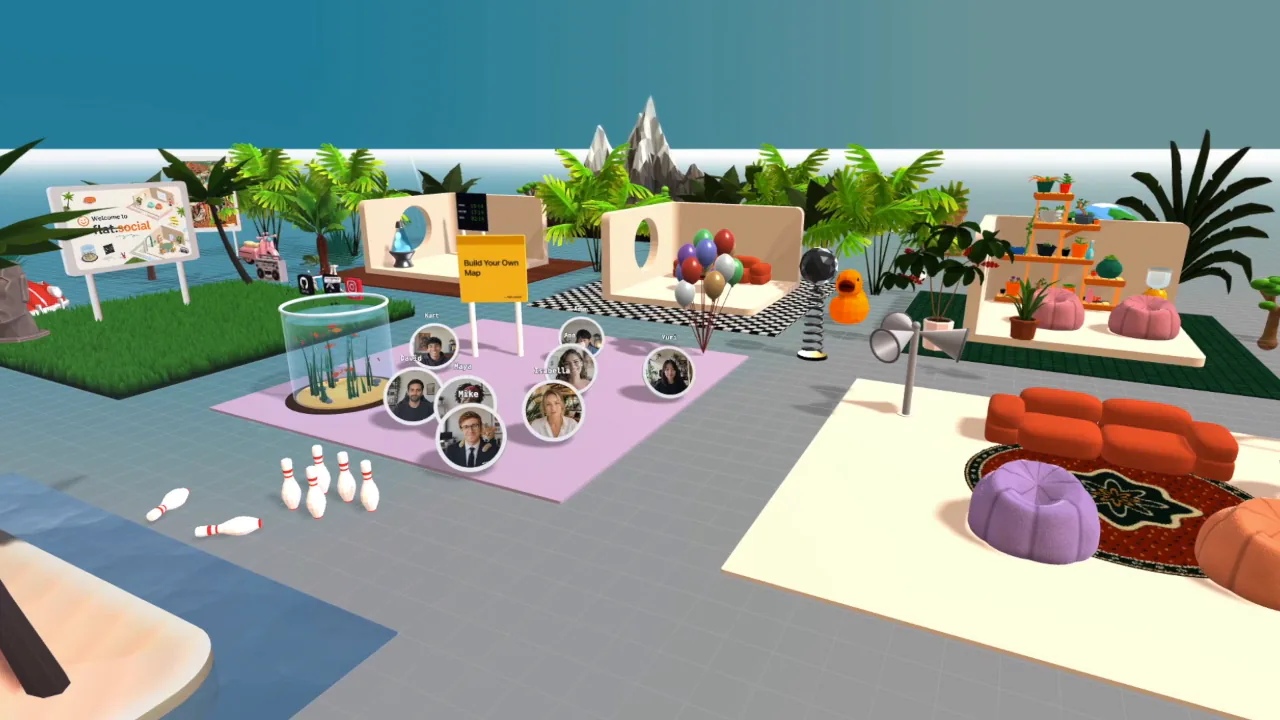
A map is the 3D environment of an Open Spatial room: the floor, walls, furniture, and props your avatars walk around in. You can start from a map template when you create the room and reshape it any time in build mode.
How do maps work in Open Spatial rooms?
Every Open Spatial room runs on a map. You can start from a template, which gives you a finished layout with its own lighting vibe and gradient, or from an empty floor with a single spawn point. People with build access can then change the map live in build mode. Conference rooms don't use maps. For a refresher, see Room types.
The map shapes how people gather. Open floors encourage one big crowd, while nooks, pods, and walled areas pull people into smaller groups.
How to pick a map template
You choose the template when you create an Open Spatial room.
- 1Start a new Open Spatial room
Click Add Room in your lobby, choose Open Spatial as the room type, and keep the room style on 💬 Walk & talk. (Game styles bring their own arena, so the template picker is hidden for them.)
- 2Open the template picker
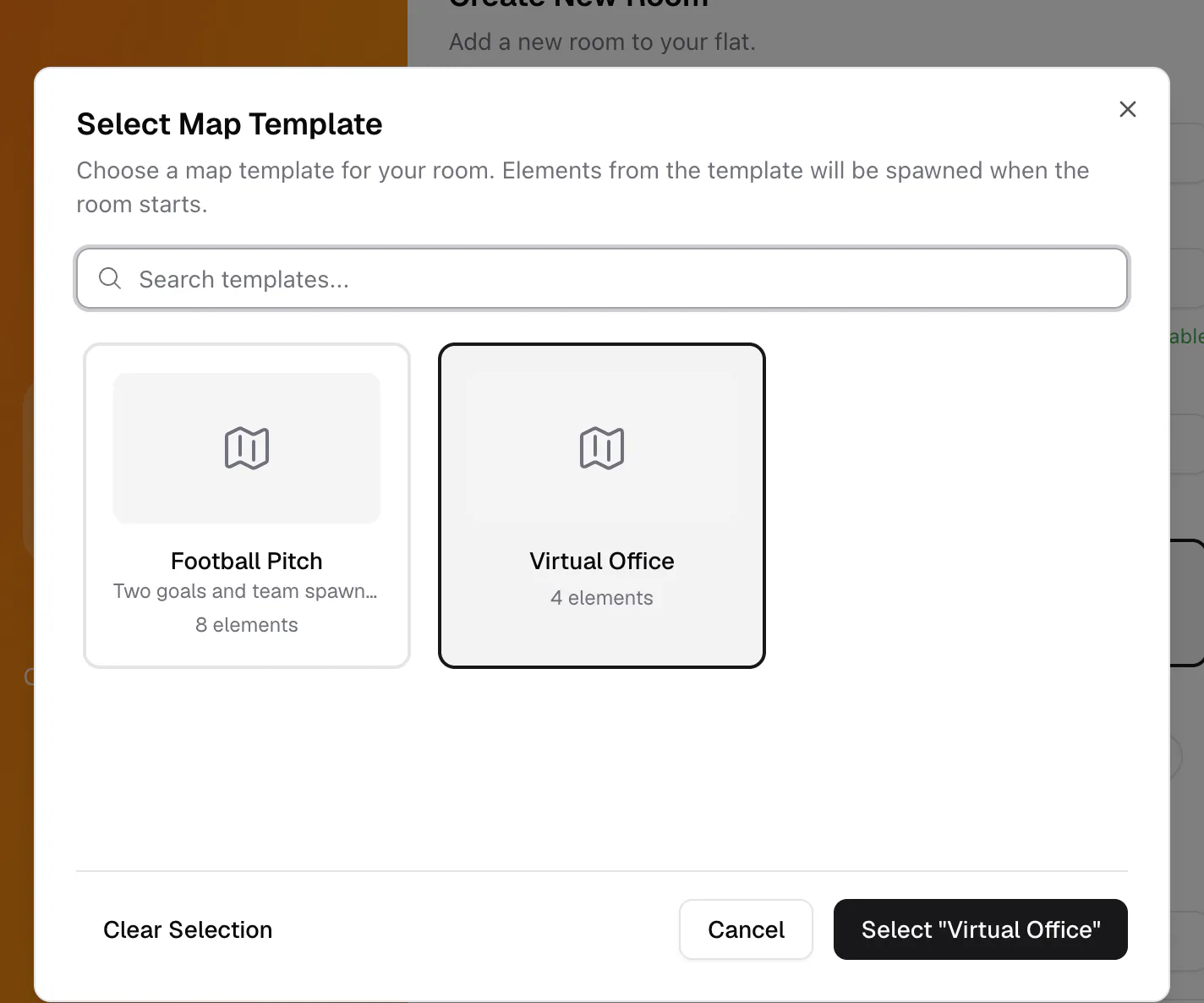
Under Map Template (optional), click Select Map Template.... The picker shows each template with a preview and its number of elements. Use Search templates... to filter.
- 3Choose a template
Click a template, then click Select. The dialog now says the room will use elements from this template.
- 4Create the room
Click Create Room. The template is placed when the room starts, together with its vibe and gradient.
How do I edit the layout?
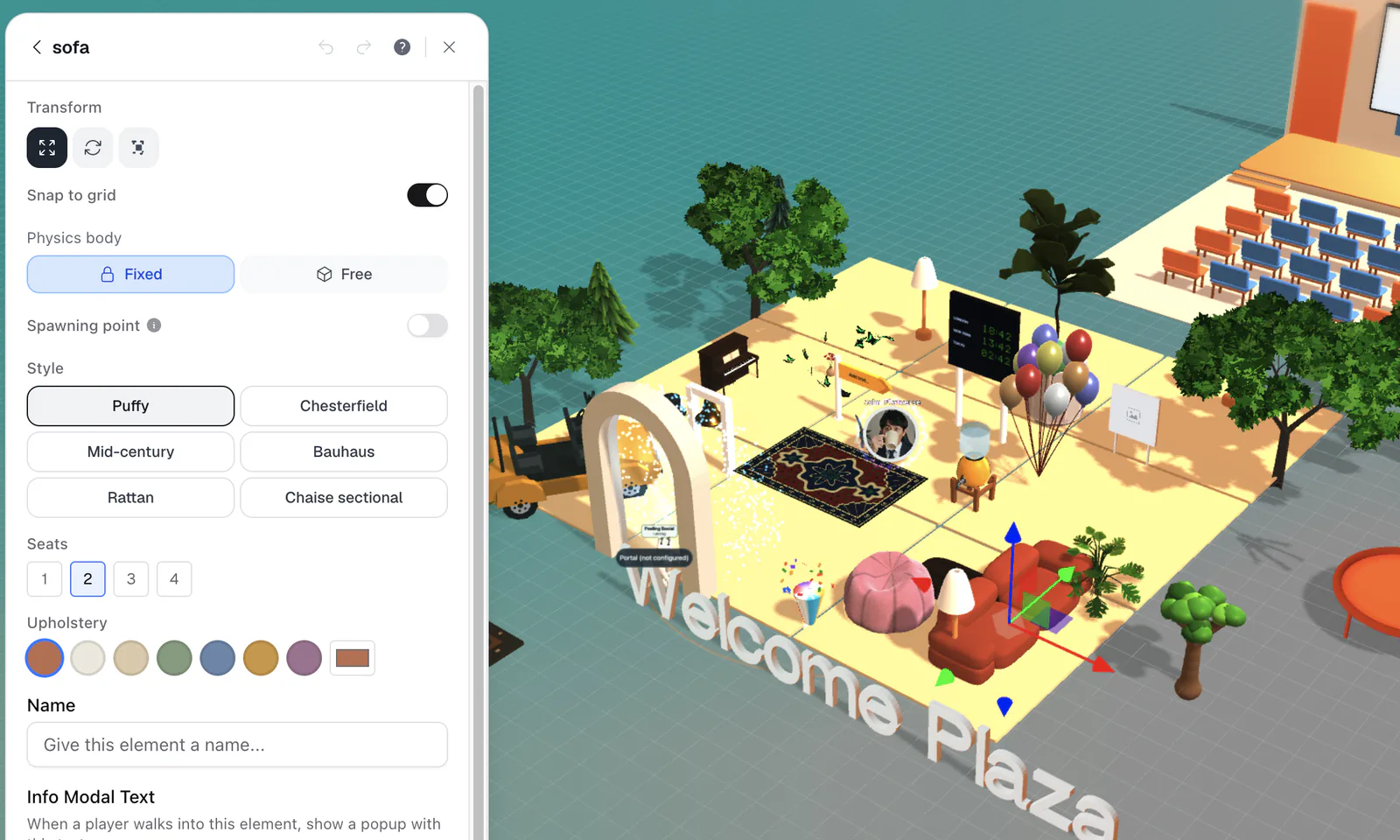
Open the room on a computer and click the wrench (Build mode) at the bottom left. Select any element to move, rotate, or scale it, paint the floor, or add new objects from the element library. Everyone in the room sees your changes as you make them. Build mode is desktop-only. See Build mode for the full guide.
Building needs the Build Map permission. The default Member role includes it; the default Guest role does not. See Roles & permissions.
Choose where people arrive
People join the room on top of a spawn point. Any element can become one: select it in build mode and turn on Spawning point. With several spawn points, flat.social picks one at random for each arrival, which spreads a crowd out. See Spawn points & getting around.
Map limits
A map can hold up to 1,000 elements and 10,000 floor tiles. If you hit a limit, build mode shows "Map limit reached" and you'll need to remove something before adding more. Large, detailed maps also take longer to load on slower computers, so keep an eye on how the room feels for guests.