Manage your account
Where to find your account settings, and what you can change.
Last updated:
Where are my account settings?
In your dashboard, click your name at the bottom of the left sidebar. The menu has three options:
- My profile: your avatar, name, username, and location
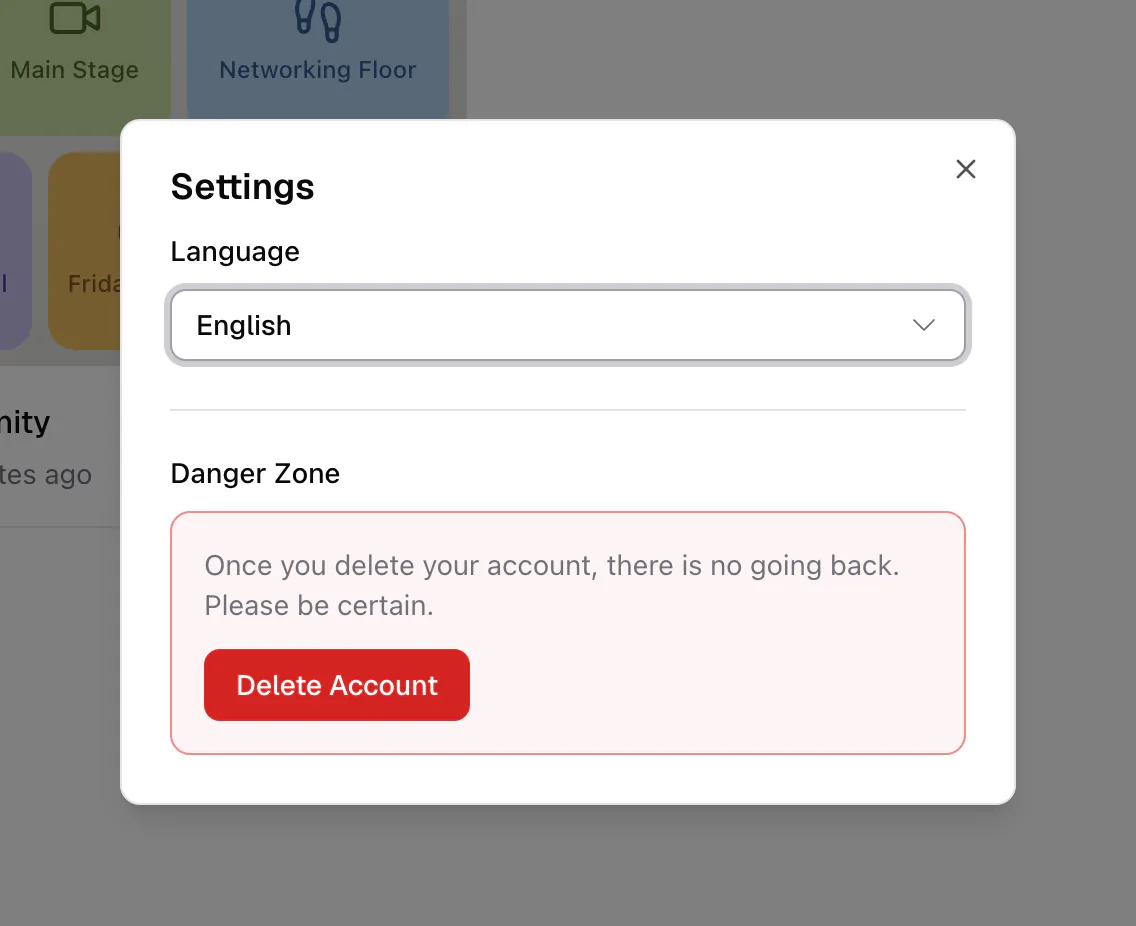
- Settings: the app language and the Danger Zone for deleting your account
- Log out: signs you out on this device
Change the app language
Open Settings and pick a language from the dropdown. flat.social is available in English, Polish, German, French, Spanish (Latin America), Portuguese (Brazil), Japanese, Korean, Chinese (Simplified), and Indonesian. Your choice applies right away. Inside a room you can also change it from the Language tab of the room settings.
Update your profile
My profile lets you change your avatar ("Click to change avatar"), your Name, your Username (3 to 30 letters, numbers, and underscores, and it must be unique), and your Location. Your email address is shown but cannot be changed. See Name & avatar for more.
Your camera and microphone are chosen on the join screen or in a room's audio and video settings. See Camera & mic setup.
Sign-in methods and your password
You can sign in with email and password, Google, or Facebook. The sign-in page marks the method you used last with a Last used badge.
Forgot your password? On the sign-in page, click Forgot password?, enter your email, and click Send reset link. If you signed in with Google or Facebook, your password is managed by that provider.
Verify your email
If you signed up with email and password, a banner asks you to verify your address. Click the link in the verification email. Until you do:
- you can create only one flat
- roles, domain allowlists, and email bans that flat owners set up won't recognize your email
Accepting an email invite sent to your address verifies it automatically. Google and Facebook accounts are verified already.
Account settings cover you as a person. The settings for a flat you own (rooms, branding, access, roles, billing) live inside that flat. See the Organizer guide.