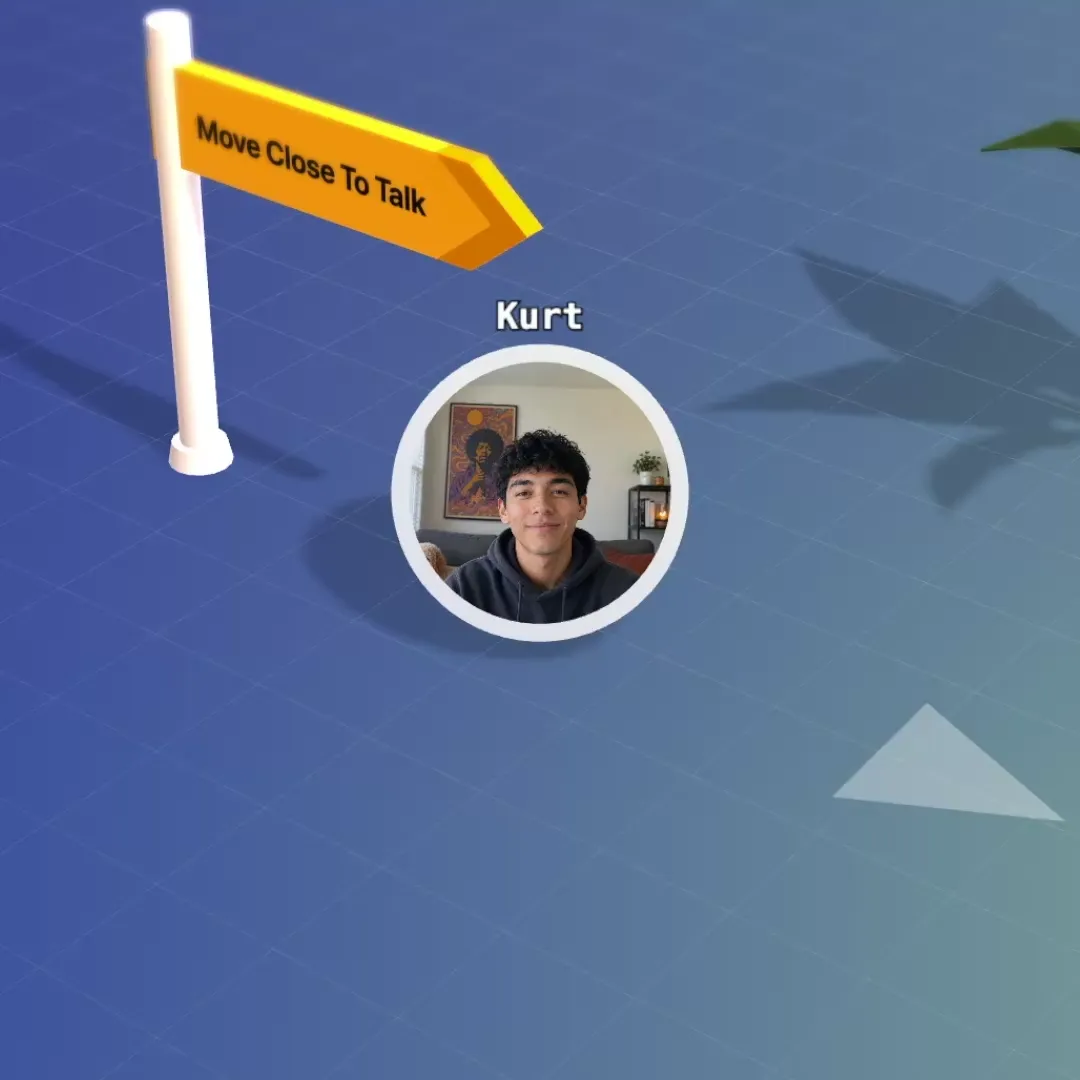
Bump into a colleague again.
No invite, no link. Walk over and talk, and hear the people near you. Voices fade with distance, so groups form the way they do at a cocktail party.
A classroom your students can walk around. They sit at tables for group work, you walk between the groups, and the room is still there after the lesson ends.
Free for up to 5 people · no credit card
Most virtual classroom software is a video grid with teaching tools around it. That works for the lecture. It works less well for everything a classroom does besides the lecture: group work, a quick question to the teacher, the ten minutes after class when students compare notes.
flat.social gives your class a place. Students join in the browser as avatars in a low-poly 3D world seen from above. They hear and see the people near them, so a table of four is a conversation of four. You teach from a stage or a video-grid room, then students walk to their tables and you walk between the groups. Nobody gets assigned to a breakout room and nobody gets pulled back by a timer.
When the lesson ends, the room stays where it was, on the same link. Students can stay at their table to finish the exercise, come back in the evening to study together, or find you there during office hours.
A virtual classroom platform is software for teaching a live class online: the teacher presents, students talk, work in groups and share a whiteboard or a screen in real time. Most platforms do this in a video grid with breakout rooms. flat.social does it in a room students move around, where group work happens at tables and voices carry only as far as the people nearby.
A video call is enough when one person talks and everyone else listens: a guest lecture, a recorded briefing, a ten-minute announcement. It starts to creak when the class has to do something. Breakout rooms need assigning, nobody can see what the other groups are up to, and the teacher is locked out of every room but one.
Virtual classroom software earns its place in the part of the lesson where students talk to each other. That is where flat.social is strongest: several small conversations run side by side in one room, you can see all of them, and you can join any of them by walking over. If your course is mostly discussion, pair work, labs or projects, that is most of your teaching time.
No invite, no link. Walk over and talk, and hear the people near you. Voices fade with distance, so groups form the way they do at a cocktail party.
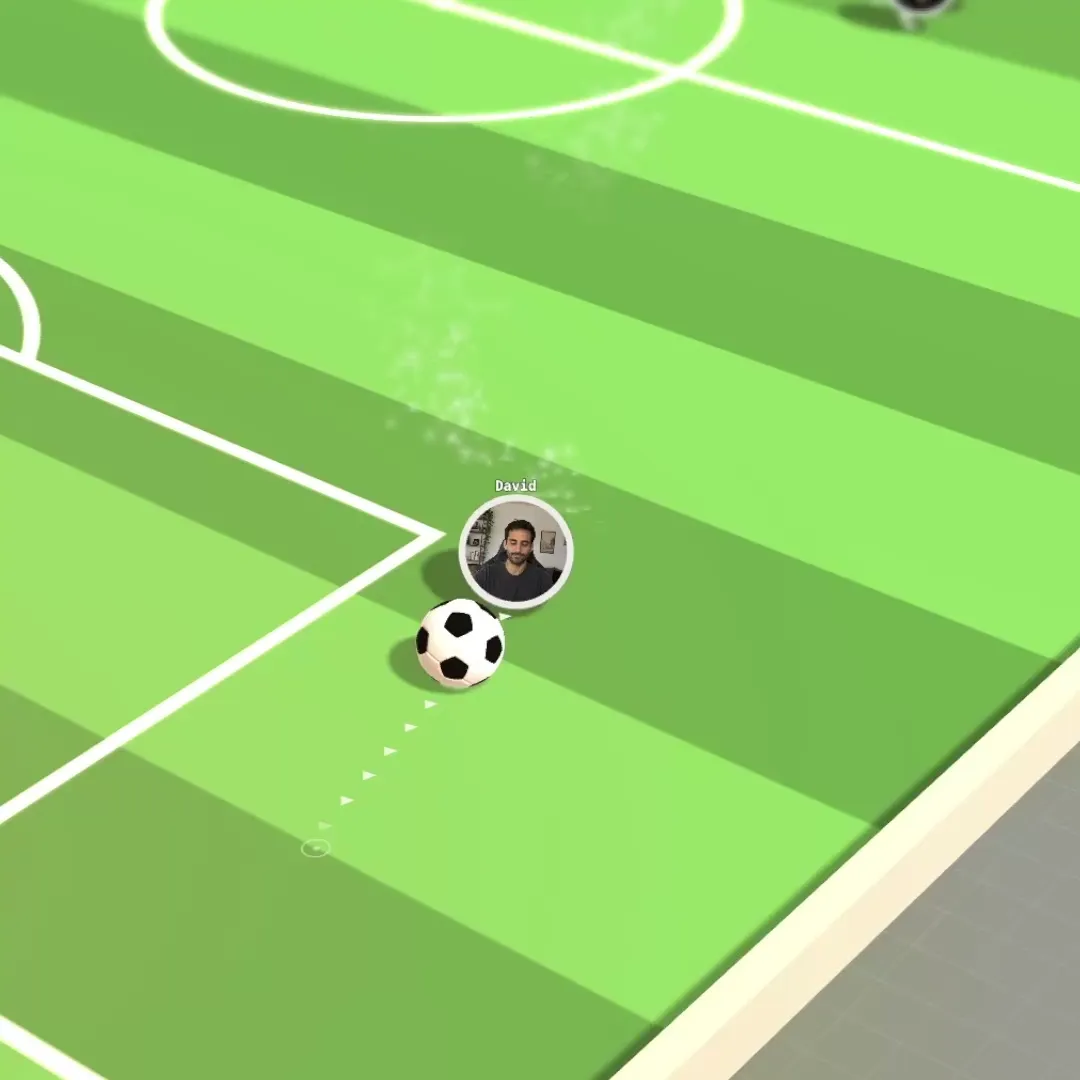
Set up the space once and send the link. People drift between games, the bonfire and small groups without anyone hosting.
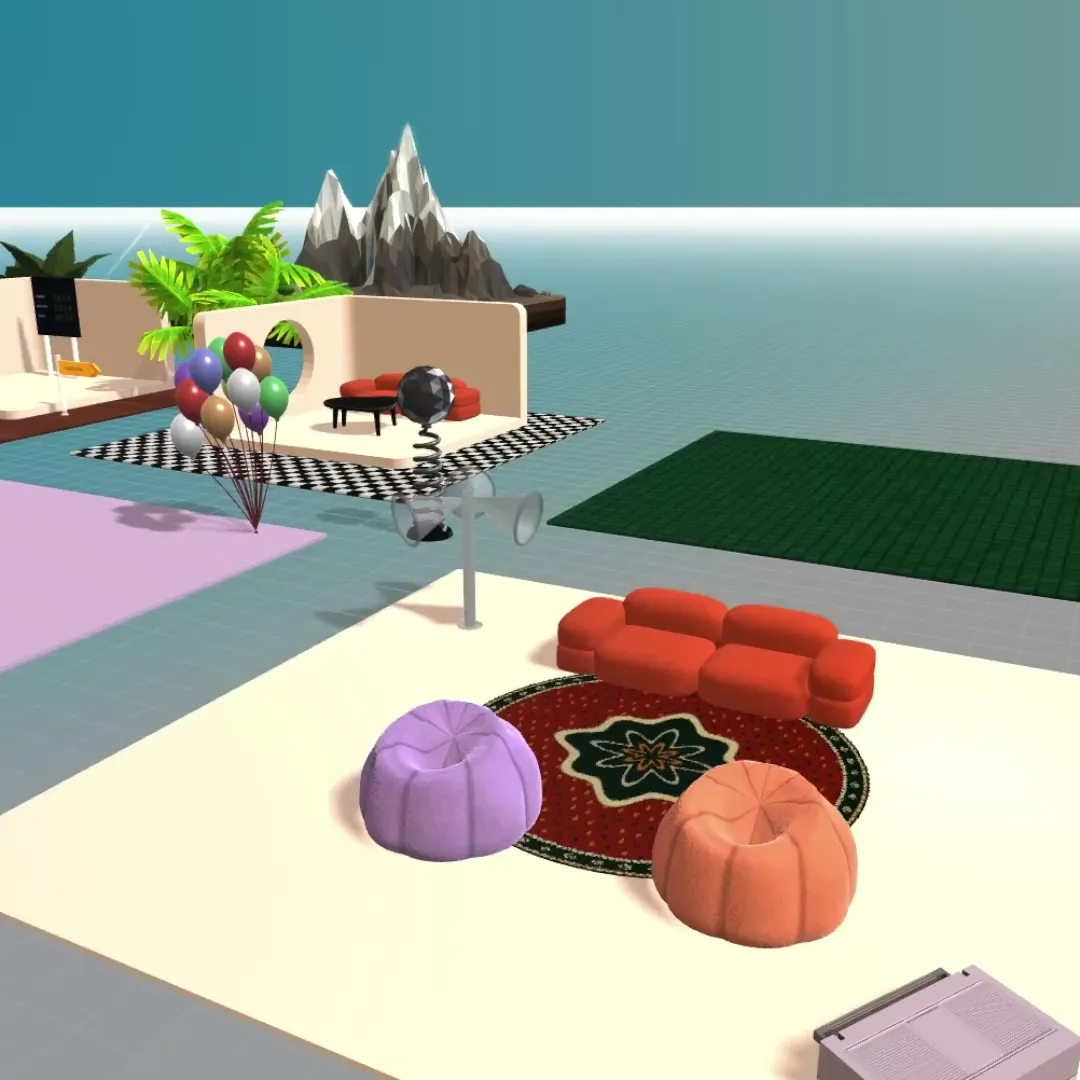
Start from a template, then make it yours. Pick from hundreds of interactive elements and activities, and build your office like in The Sims.
Nothing to install and nothing to schedule. Guests click it and walk in, no account needed.
Message the whole space, a single room or one person, without leaving the map.
Make people admins, moderators, members or guests, and see who is around at a glance.
Students walk to a table and start talking. Each group hears itself, and walled-off areas isolate audio completely, so six groups can work in one room. A student who wants to see what another group did walks over and asks.
Move your avatar toward a table and the group's voices fade in. Listen for a moment, help, move on to the next one. You see the whole class at once, so you know which table is stuck and which one finished early.
Place a Lecture Hall stage in the room: raked rows with desks, whiteboards, a clock and a big screen. Whoever stands on the stage is heard by everyone in the hall, and their screen share goes on the big screen. If you prefer a familiar video grid, use a Conference room with speaker and gallery layouts.
Put a whiteboard and sticky notes next to each table. The group draws on it together while they talk, and the work is still on the board when you walk over to look at it.
A 90-minute session for a cohort of 30, as most teachers run it:
Hosts get a command palette for the moments that need control: gather everyone to one spot, split the class into two, three or four groups, mute everyone, stop all screen shares.
The room is the same. What you put in it changes with the subject.
Language classes. Conversation practice needs pairs, and pairs need to change. Put small tables around the room, send students to them, and call "switch" every five minutes. Everybody speaks for most of the lesson, which a video grid of twenty cannot offer. You walk past each pair and hear the mistakes worth correcting.
Coding, design and data courses. A student who is stuck shares their screen at the table: a TV rises beside them and the group gathers round it, the way people lean over a laptop. You walk over, look, and explain to that table only. The rest of the class keeps working.
Workshops and corporate training. Brief everyone from the stage, then split the room into two, three or four groups from the host command palette. Each group gets a whiteboard and sticky notes. At the end the groups present from the stage, one after another.
Seminars and discussion classes. Start with the whole class together, in the spatial room or a Conference room, then break the question down at tables and bring the answers back. Quiet students talk more in a group of four than in a grid of thirty.
Tutoring and exam preparation. One table, one whiteboard, up to 5 people at once on the free plan. The link stays the same every week, so there is nothing to schedule or send.
Orientation weeks and student socials. New students need to meet each other before they will work together. Run speed networking, or let them loose on the football pitch for ten minutes. It counts as teaching: groups that know each other work better.
You pay for how many people can be in your space at the same time. A seat is one concurrent spot. It is not tied to a named student.
| Price | People at once | |
|---|---|---|
| Free | $0, no time limit | Up to 5 |
| Monthly | $6 per seat per month | You choose, 6 to 100 |
| Day Pass | $2 per extra seat for 24 hours | Up to 100 |
A cohort of 30 needs 30 seats: 30 × $6 = $180 a month. If 60 students are enrolled but they attend in two groups of 30, you still need 30 seats, because seats are counted at the same moment.
A one-off session does not need a subscription. A Day Pass adds seats to a free space for 24 hours. For 30 people that is 25 extra seats × $2 = $50.
Tutoring and small groups fit the free plan: 5 people at once, every room type, no time limit.
Paid capacity goes up to 100 people at once, and if you need more, ask us. Details are on the pricing page and in plans and limits.
Schools, universities and non-profit educational organisations can ask for reduced pricing, and so can individual teachers who work at one. Use the request link on the pricing page.
Better to know before you plan a term around it.
LearnCube, Class and Engageli are three well-known names in virtual classroom software. All three are built around a video layout, and they are good at things flat.social does not do.
If you need attendance records, recordings or grades to flow into an LMS, one of those is the better fit. Engageli also shares the idea that small groups belong at tables.
What flat.social adds is the room. Students move on their own, hear whoever is close, and can see across the space who is working with whom. The teacher walks from group to group. The space stays open between sessions, so it also works as the study room, the office-hours corner and the place the cohort meets when no class is on. Our list of the best virtual classroom software covers more options side by side.
| flat.social | Video-grid classroom tools | |
|---|---|---|
| Layout | A room students walk around, plus a video-grid room | Video grid or fixed seating |
| Group work | Students walk to a table; the teacher walks between groups | Breakout rooms or assigned tables |
| Students move between groups on their own | Depends on the tool and host settings | |
| Room stays open after class on the same link | Usually tied to a scheduled session | |
| Screen share and whiteboards | ||
| Polls and quizzes | Most | |
| Per-student attendance records | Common | |
| LMS integration | Common | |
| Built-in recording | Common | |
| Free plan | 5 people at once, no time limit | Varies by tool |
Free for up to 5 people · no credit card · nothing to install
From sign-up to a room your students can join. Set it up once and reuse it for the whole course.
Sign up and create a space. Add an Open Spatial room for the class. Add a Conference room too if you want a video grid for lectures or small seminars.
Start from a template or open build mode. Place a Lecture Hall stage, a table per group, a whiteboard at each table and a billboard with the task. Wall off a corner if groups need complete audio privacy.
Give teachers and assistants a role that can build, moderate and present. Decide whether students join as guests with just a name or only with your school email domains.
Send the room link by email or paste it into your LMS. It stays the same for the whole course. Students open it in the browser and are in the room.
Give students two minutes to try walking around. Present from the stage, send them to their tables, walk between the groups, then bring everyone back to share.
Keep the lecture short and the group work long. Present for 15 to 20 minutes, then give the tables at least as long. Break a long topic into two rounds.
Put the task on a billboard at each table. Students can read it again without interrupting you. Add a second billboard with follow-up questions for groups that finish early.
Keep moving during group work. Walk through the room. You hear who understands and who is stuck, and groups stay on the task when you are nearby.
Ask groups to draw, not only talk. What is on the whiteboard is still there when you arrive at the table, and it gives the group something to present.
Use the same room for office hours. Tell students when you will be there. They can see you are in and walk up, which is easier than booking a call. For students who want a place to study between sessions, see the virtual study room page: it is the free way to start.
Take a break in the room. A five-minute football match between two tables resets attention better than "back in five". More ideas are in our online classroom games list.
Zoom puts the class in a video grid and sends groups to breakout rooms. In flat.social the class is in one room. Students walk to tables, hear the people near them, and you walk between the groups. For the lecture part you can still use a video grid: that is what Conference rooms are for.
Up to 100 people can be in your space at once on self-serve plans, and more if you ask. The free plan holds 5 at once.
Free for up to 5 people at once. Above that it is $6 per concurrent seat per month, so a class of 30 costs $180 a month. For a single session, a Day Pass costs $2 per extra seat for 24 hours. Schools and non-profits can ask for an educational discount.
No download. It runs in the browser. Whether students need an account is your choice: allow guests and they join with just a name, or restrict the space to your school email domains.
Students walk to a table or a walled-off area. Audio follows distance, and enclosed areas isolate it completely, so each group only hears itself. You can also split the class into two, three or four groups from the host command palette. To end group work, gather everyone back with one command.
Yes, within the size limits. A Lecture Hall stage seats up to 30 and the space holds up to 100 people at once. It fits seminars, tutorials, lab groups and office hours better than a 300-person lecture.
It works next to it. Paste the room link into Canvas, Moodle, Google Classroom or any other LMS as an external link. There is no roster sync or grade passback. Assignments and grades stay in your LMS.
Not per student. Insights, on the Monthly plan, shows how many people came, when and for how long, and exports the totals as CSV. It does not record which student attended which class.
There is no built-in recording. Teachers who need one record their own screen with a screen recorder while they present.
Yes. The room keeps its link and students can come in to study or work on a group project, up to the number of seats on your plan. If you would rather they did not, close the space or limit who can enter.
Yes. Any student can create a free space for up to 5 people at once and share the link with a study group. The virtual study room page explains how to set one up.
Recent versions of Chrome, Edge, Firefox and Safari on a laptop or desktop. Phones and tablets can join from the browser, but they cannot share a screen and moving around is easier with a keyboard.
Still have questions?
Visit Support Center