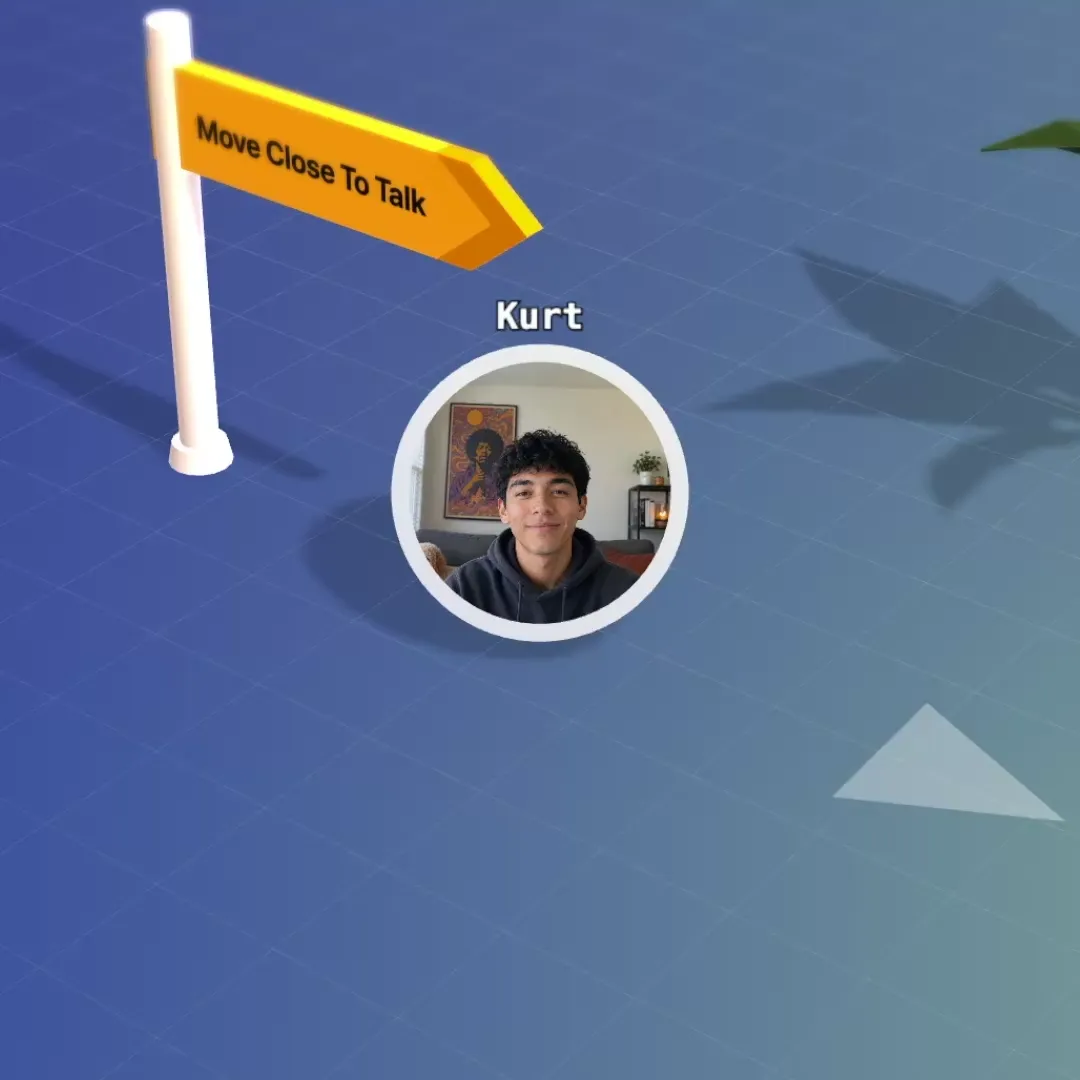
Bump into a colleague again.
No invite, no link. Walk over and talk, and hear the people near you. Voices fade with distance, so groups form the way they do at a cocktail party.
The room your community meets in. Members open a link, walk in as avatars and talk to whoever is standing next to them.
Free for up to 5 people · no credit card
Most online community platforms are built around posts: a feed, a forum, channels, a course library. flat.social covers the other half. It is the place where members are in the same room at the same time.
A flat is a low-poly 3D world seen from above. Members join from a browser link, move an avatar around and hear the people near them. Walk towards a group and their voices fade in. Walk away and they fade out. Twenty people can hold five conversations in one room without breakout buttons.
Two kinds of community use it:
flat.social does not have a forum, a content feed, course hosting or paid memberships. If those are what you need first, start with our list of the best online community platforms and add a live room later.
An online community platform is software that gives a group of people with a shared interest one place to meet, talk and come back to. Most are built around written posts: forums, feeds and chat channels, often with courses and paid memberships. A smaller group, flat.social among them, is built around live rooms, where members talk by voice and video in real time.
No invite, no link. Walk over and talk, and hear the people near you. Voices fade with distance, so groups form the way they do at a cocktail party.
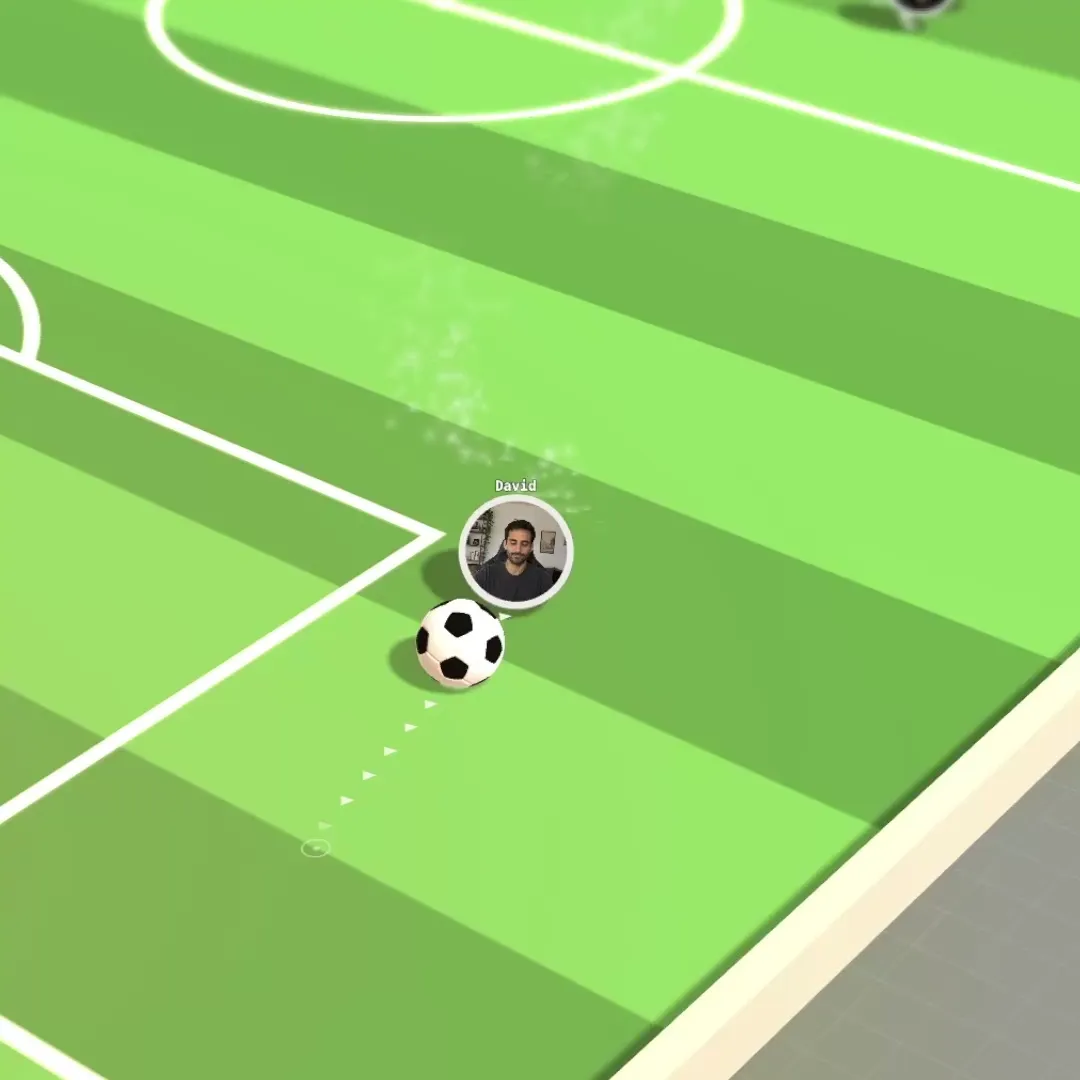
Set up the space once and send the link. People drift between games, the bonfire and small groups without anyone hosting.
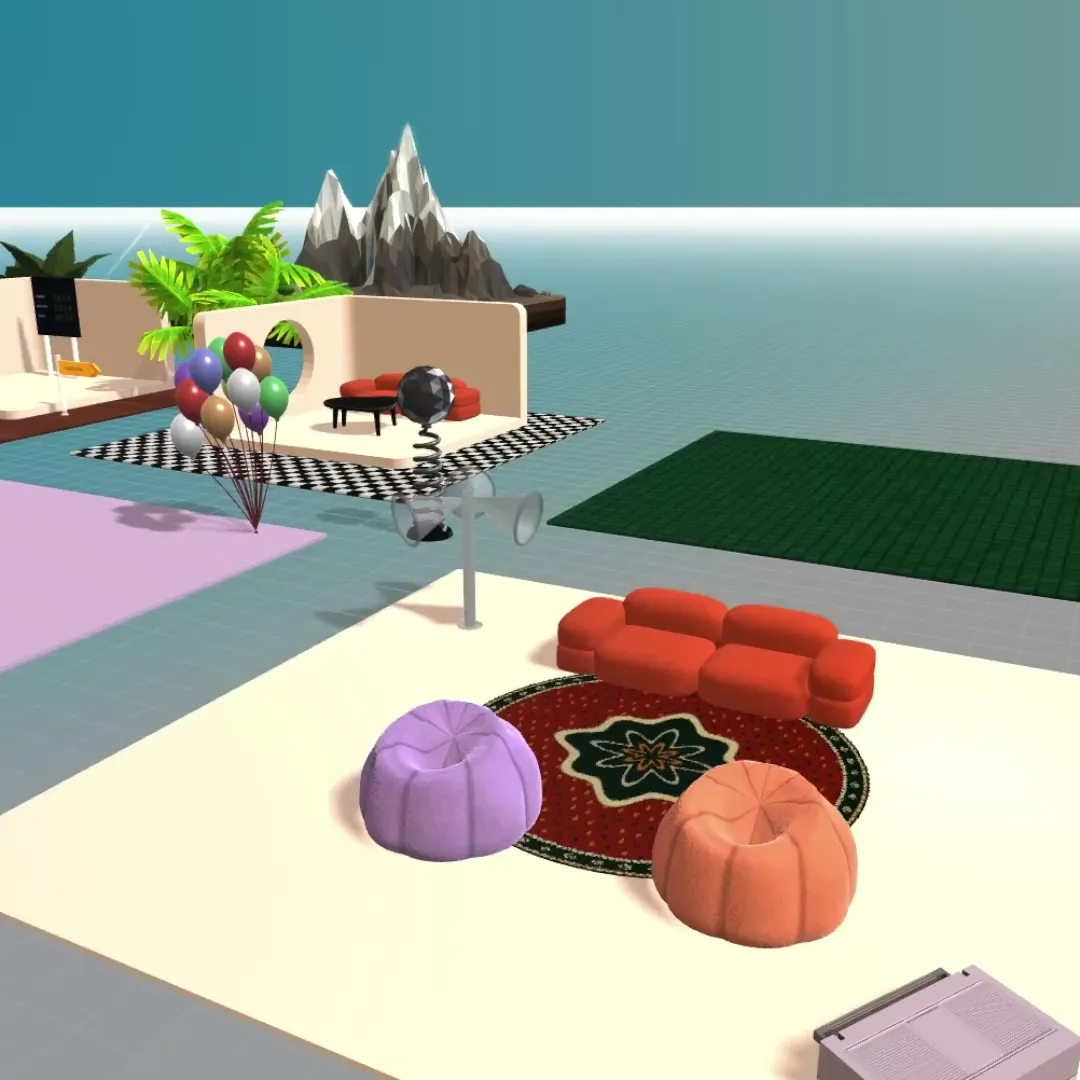
Start from a template, then make it yours. Pick from hundreds of interactive elements and activities, and build your office like in The Sims.
Nothing to install and nothing to schedule. Guests click it and walk in, no account needed.
Message the whole space, a single room or one person, without leaving the map.
Make people admins, moderators, members or guests, and see who is around at a glance.
Take a monthly meetup for forty people. This is roughly how the evening goes.
19:00, doors. Members click the link from your newsletter or your Discord announcement. Each one types a name, checks camera and mic, and lands on the map. Early arrivals stand around the entrance and talk, the way people do in a lobby.
19:15, welcome. You step onto a stage. Everyone in the hall hears you at full volume and sees your screen or a YouTube video on the big screen behind you. Ten minutes, then you send people back to the floor.
19:30, mixing. You start speed networking. The room is split into small groups, each in its own private pod, and reshuffled every few minutes.
20:15, open floor. Some people stay at the tables and talk. Others walk to the football pitch next door, sit down at the chess board or play the piano badly. Nobody needs a host to move them.
21:00, the end. People leave when their conversation is over. The room and its layout are still there next month, on the same link.
Audio and video connect by distance. Members hear the people near their avatar, so a room of forty breaks into groups of three and four by itself. New members can stand at the edge of a group, listen for a minute and join in when they are ready. Pods and rooms on the map isolate sound for a private chat.
The hardest part of a community event is getting strangers to talk. Speed networking does the introductions for you.
Late arrivals are added to the smallest group. If someone leaves and their partner is left alone, that person is moved to another group. When the last round finishes, everyone is brought back to the banner and the open floor continues.
Everyone in the room takes part, so run it in a room meant for networking and keep a second room for people who want to sit out. The step-by-step version is in the speed networking guide, and the wider format is covered in virtual networking events.
A game gives quiet members a way to join in and regulars a reason to come back next week. Game rooms run football, a maze race, an arena shooter, a territory game and surfing, with rounds that start by themselves. A chess board, a bowling lane, an arcade cabinet and a piano can sit in any room. Guests can play all of them.
Most communities are quiet on a normal Tuesday and busy on event night. The Day Pass is priced for that. It raises your flat's capacity for 24 hours from a start time you choose, and it never renews.
You pick how many people should fit, up to 100, and pay $2 for each seat above what your plan includes. The Free plan includes 5.
| Event size | Day Pass on the Free plan |
|---|---|
| 30 people | $50 |
| 60 people | $110 |
| 100 people | $190 |
A pass can be booked up to 90 days ahead and moved to a new date for free until five minutes before it starts. The smallest pass on the Free plan fits 11 people and costs $12. Details are in the Day Pass guide.
For the talk itself, place a stage on the map. A stage is a hall with seats and a big screen. Whoever stands on it is heard by everyone in the hall, and can show a screen share or a YouTube video. People outside the hall do not hear it, so the networking floor can keep going next door. See stages.
Share the flat link or a link straight into one room. A guest opens it in a browser, types a display name, checks camera and mic and walks in. There is nothing to install and no sign-up when anonymous access is on. If you would rather know who is inside, turn anonymous access off, send email invites with a role, or limit entry to chosen email domains.
A virtual meetup platform is only as good as the evenings you run in it. These are the formats communities come back to, with what each one needs on the map.
New-member welcome. Once a month, thirty minutes. Two or three regulars stand near the entrance and say hello to whoever walks in. Newcomers get a face and a name before they ever post in a channel.
Open coworking. Leave a room open with a few desks and a quiet corner. Members drop in, work beside each other with cameras on, and chat when they get up for a coffee. It needs no host at all.
Ask-me-anything with a guest. Put the guest on a stage for twenty minutes, then let them walk down to the floor. The members who would never ask a question in front of forty people will ask it in a group of four.
Show and tell. Three members share a screen for five minutes each. In an Open Spatial room a TV rises beside whoever is sharing, so the audience gathers round the way people crowd a laptop.
Game night. Football with a scoreboard, a Grand Prix kart race, a maze race, a chess board in the corner. Members who are shy with words are often loud with a ball.
Book club or study circle. A table per group, a whiteboard beside each one, and a billboard with tonight's question on it.
The after-party. If your community runs a webinar or a conference somewhere else, drop the flat link in the chat at the end. The people who want to keep talking finally have somewhere to do it.
More formats, with timings, are in community event ideas.
You do not need to move your community. Keep your text platform and give each tool the job it is good at.
| Job | Where it lives |
|---|---|
| Announcements, threads, searchable history | Your text platform |
| Courses, paid memberships, member directory | Your community or course platform |
| Weekly meetup, mixer, game night, open hangout | flat.social |
| Talk or demo with a crowd, then mingling | flat.social stage, then the open floor |
In practice this takes three steps. Create the flat and lay out one room. Pin its link in a channel named after the event, or add it as the location of the event in your community tool. Post in that channel when the doors open.
Communities built on Discord often ask what a room adds to voice channels. In a voice channel everyone hears everyone, so a channel holds one conversation. In a flat, one room holds many, and members can see which group to walk towards. We compare the options in more depth in Discord alternatives.
Start from a template and change it while members are standing in it. Put your logo on a billboard, build a quiet corner with pods, add a stage for talks and a pitch for the people who cannot sit still. Swap the look for a summer social and change it back the next day.
Every plan is priced by how many people can be in your flat at the same time. A seat is one spot, not a named member: when someone leaves, the next person can take it. Guests are not charged separately.
| Plan | Price | People at once |
|---|---|---|
| Free | $0, no time limit | Up to 5 |
| Day Pass | $2 per extra seat, for 24 hours | Up to 100 |
| Monthly | $6 per seat per month | You choose, 6 to 100 |
Some examples:
If you meet every week, compare the two: four Day Passes for 30 people cost $200, and a month of 30 seats costs $180. The Monthly plan also unlocks Insights and can be resized or cancelled at any time. Current prices are on the pricing page, and the fine print is in plans and limits.
Free for up to 5 people · no credit card · nothing to install
About twenty minutes from sign-up to a room you can invite members into.
Sign up and give your flat your community's name and a URL. The Free plan lets 5 people in at once with no time limit, which is enough to test it with your moderators.
Create an Open Spatial room from a template. In build mode, add a few tables, some pods for private chats and a billboard with your logo. One good room beats five empty ones.
Leave anonymous access on if members should join with only a name. Turn it off, or use email invites and role links, if you want accounts. Give your moderators the Moderator role.
A stage if someone will speak. The Speed Dating Banner for networking rounds if members do not know each other. A game room next door if the evening should end with football.
Expecting more than 5 people? Schedule a Day Pass for the event day, or pick a Monthly plan if you meet every week. Then post the room link where your members already are.
Community engagement is mostly habit, and a room helps you build one.
Same link, same time. Members should never have to hunt for tonight's invite. Pin the flat link once and keep the meetup on the same evening every week or month.
Somebody at the door. The first sixty seconds decide whether a newcomer stays. A host standing by the entrance who says "hi, come and meet these two" does more than any onboarding email.
Something to do in the first minute. A football, a piano, a whiteboard with a silly question on it. People who are busy with their hands stop worrying about what to say.
Short talks, long floor. Ten minutes on stage is plenty. What members remember about the evening is who they talked to.
Keep the room open between events. A flat stays on its link all week. A few regulars will start using it for coworking or a quick call, and those quiet weekdays are what turn an event series into a community.
Watch the numbers. On the Monthly plan, Insights shows how many people came, when and for how long, so you can tell which format is worth repeating.
Usually not. Those platforms host posts, courses and paid memberships. flat.social hosts the live sessions: meetups, mixers, game nights and open hangouts. Communities that mostly meet live can run on flat.social alone. Communities that sell courses or run on discussion threads use it alongside their main platform.
In a voice channel everyone hears everyone, so each channel carries one conversation. In a flat, members hear the people near their avatar, so one room carries many conversations at once and people move between them by walking. Members also join from a browser link without installing an app or creating an account.
Yes, when anonymous access is on. A guest opens the link, types a display name, checks camera and mic and walks in. You can turn anonymous access off, restrict entry to chosen email domains, or send email invites and role links that require signing in.
Up to 5 on the Free plan and up to 100 on a Monthly plan or with a Day Pass. If you need more, ask us. Only people inside rooms count, not people in the lobby.
A Day Pass costs $2 for each seat above what your plan includes and lasts 24 hours. On the Free plan a 40-person event costs $70 and a 100-person event costs $190. There is no subscription and the pass does not renew.
flat.social does not process member payments. Take payment in the tool you already use, then share the room link with paying members or send them email invites. Turning anonymous access off keeps the room to people you have invited.
Yes. Roles decide who can build, share a screen, move people or manage the flat. Moderators can mute, kick and ban participants, and bans are managed by email. Note that anyone in the room can start a speed networking session once the banner is placed, so keep it in a room meant for that.
No. flat.social has a demo flat you can walk around, but communities are private spaces reached through their own link. To host your own, create a flat, lay out a room and invite your members.
Members can join from a phone or tablet browser with no app to install, tap to walk and talk as usual. Some game controls need a keyboard, and hosting is easier on a laptop or desktop.
There is a separate page for education. See [the virtual classroom platform](/virtual-classroom-platform) for teaching, cohorts and study rooms.
Still have questions?
Visit Support Center